

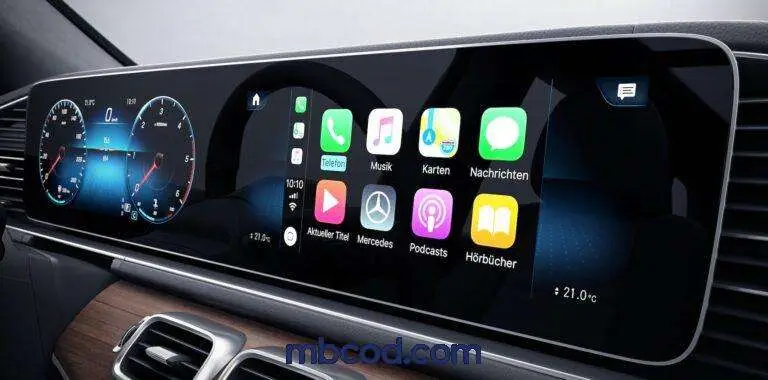
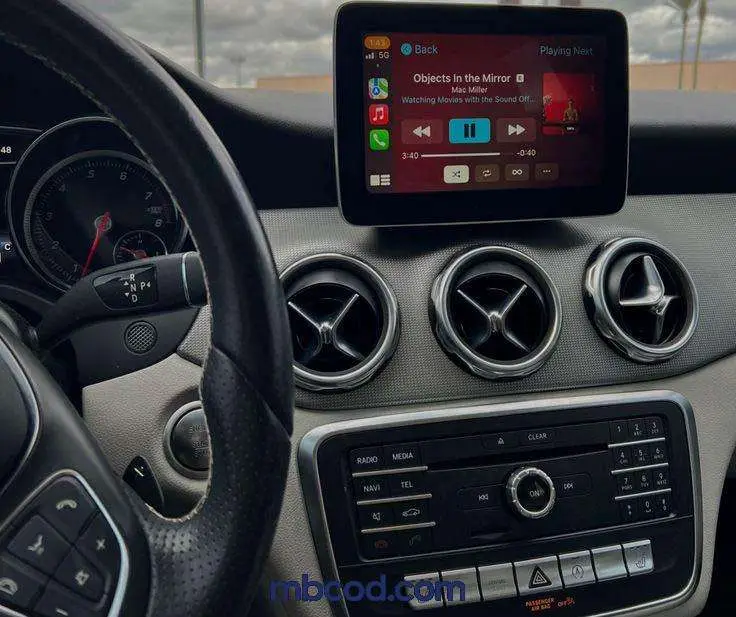
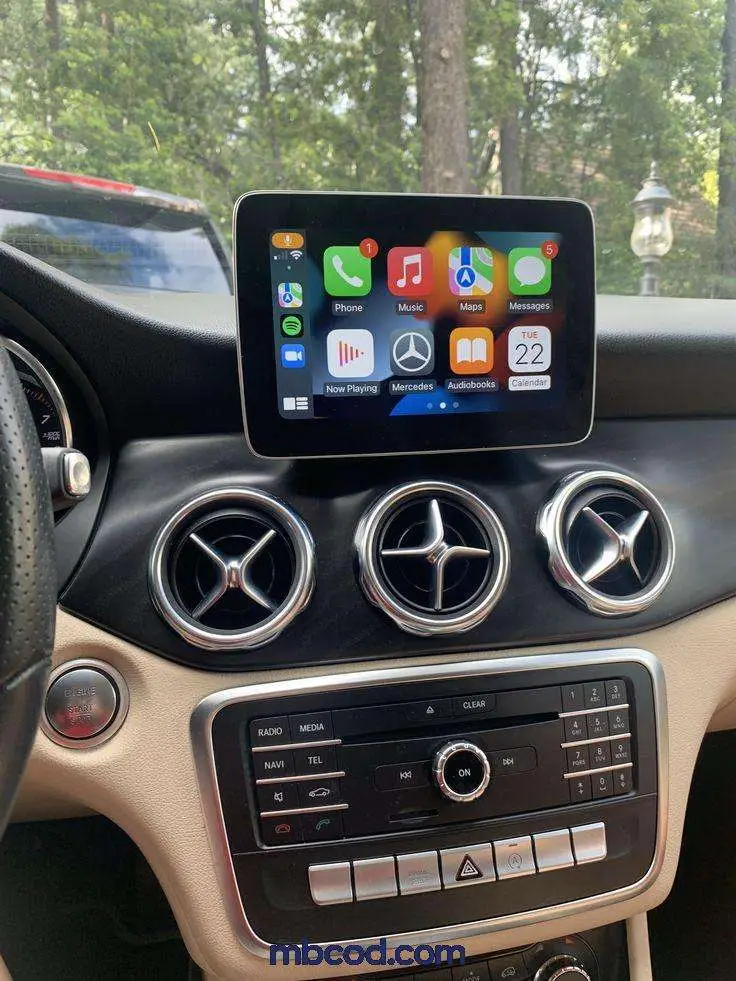
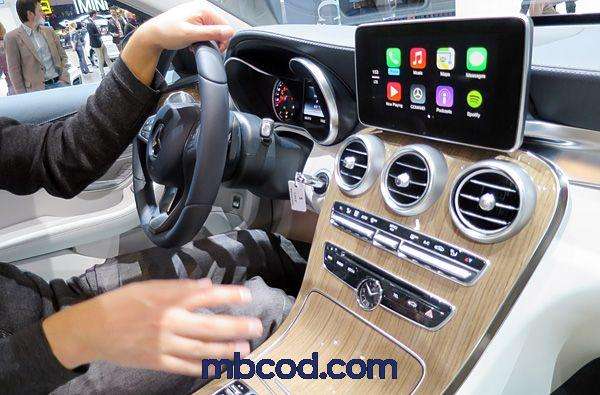


Mercedes-Benz Apple CarPlay™ & Android Auto Integration for
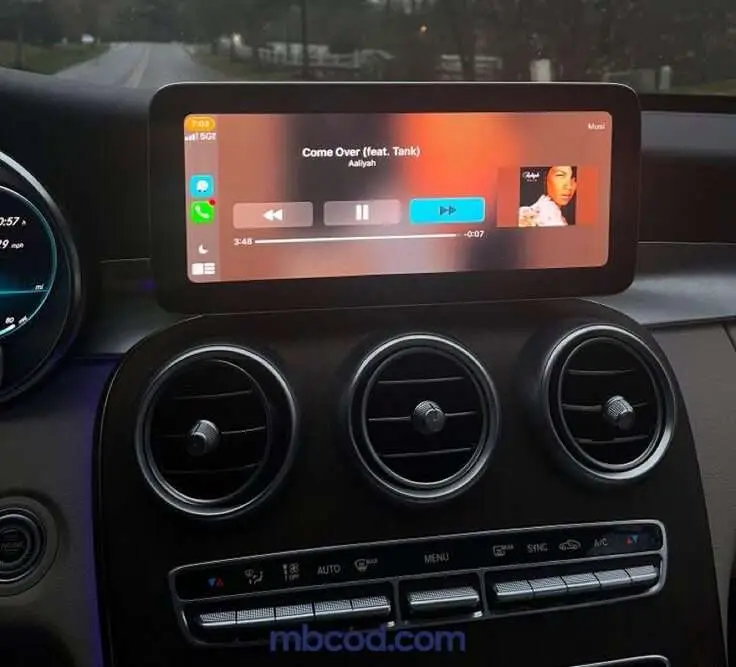
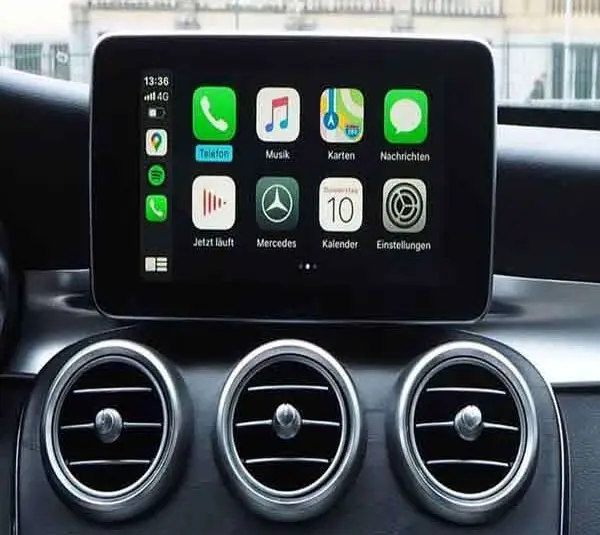
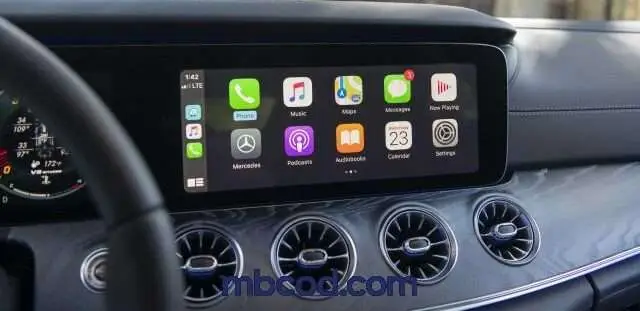
Experience the future of in-car connectivity with Apple CarPlay™ and Android Auto integration for your Mercedes-Benz. MBCOD offers official activation, coding, and software setup to enable wireless smartphone connection, navigation, calls, and music — all through your car’s original MBUX or COMAND system.
Our experts in Dubai unlock the full potential of your infotainment system, giving you seamless access to the world inside your phone — safely and elegantly. Mercedes-Benz Apple CarPlay
Apple CarPlay for Mercedes — OEM-Style Activation
Enable factory-like CarPlay on COMAND/MBUX with safe coding, firmware alignment and a documented road test. Clean install, no cut wires, and a full rollback to stock kept on file.
- VIN-checked compatibility and option-code review (SA codes).
- SCN coding + firmware alignment before activation.
- Mic/echo test and Bluetooth stability verification.
- Reversible — clean backups & dealer-update friendly.
Driver safety first: CarPlay is intended for passenger use where required by local law. OEM safeguards remain intact.
Quick VIN Check
Enter your VIN (last 8 is fine). We’ll confirm options and quote same-day.
- Compatible with most 2015+ platforms.
- No warning lights; OEM features preserved.
- Android Auto available on supported units. Mercedes-Benz Apple CarPlay™
What Is Apple CarPlay™ & Android Auto
Apple CarPlay™ and Android Auto are advanced smartphone integration systems designed by Apple and Google to mirror essential apps on your vehicle’s main screen.
They provide drivers with real-time navigation, voice-controlled messaging, and access to media apps without distraction.
Mercedes-Benz incorporates these systems into its luxury infotainment platform (MBUX) for intuitive control using voice, steering buttons, or the touchpad.
Mercedes-Benz Apple CarPlay™
Fix Mercedes Electrical Issues — Go to the Mercedes Diagnostic Page
If your Mercedes shows random warnings, module communication errors, battery drain, or ECU-related faults, use our dedicated Mercedes diagnostic page to understand the issue and request a professional electrical diagnosis.
- CAN BUS / Network faults (U-codes, modules offline)
- Low voltage & battery drain (multiple warnings, resets)
- SAM / ECU / TCU problems (coding, repair, replacement)
- MBUX / cluster / sensor issues (intermittent faults)
Best for “Electrical Warnings”
ABS/ESP, Air Suspension, Steering, MBUX, Cluster warnings, and any random dashboard messages.
Module-Level Insight
We identify the affected module and the real cause—wiring, power supply, coding mismatch, or ECU failure.
Fast Support in Dubai
Send VIN + the warning message/code. We guide you to the right tests and next steps.
Mercedes-Benz Apple carplay service MBCOD
Why Activate Apple CarPlay™ & Android Auto in Your Mercedes
Many imported Mercedes-Benz models arrive in the UAE with CarPlay or Android Auto disabled by region.
At MBCOD, we professionally activate these features using OEM-level diagnostic software (Xentry, Vediamo, DTS Monaco).
Our activation process is 100% safe, requires no hardware changes, and retains full warranty. Mercedes-Benz Apple CarPlay™
Benefits include:
Wireless connection for iPhone® and Android
Real-time navigation via Apple Maps, Google Maps & Waze
Voice command through Siri or Google Assistant
Music, podcasts, and WhatsApp access via your dashboard
Safer driving — no need to touch your phone
- Mercedes-Benz Apple CarPlay™
How MBCOD Activates CarPlay & Android Auto
MBCOD’s certified technicians perform official software coding and configuration updates for your Mercedes-Benz infotainment system.
The process includes:
Checking software version and compatibility (COMAND NTG5+, NTG5.5, or MBUX).
Secure connection via OBD or remote session.
Online coding activation of Apple CarPlay™ & Android Auto.
Final testing to ensure perfect functionality.
The entire activation typically takes 20–30 minutes, and you can choose remote activation or in-person service in Dubai. Mercedes-Benz Apple CarPlay™
Experience the Mercedes Design with Smart Connectivity
Apple CarPlay™ and Android Auto are not just convenience tools — they are part of the modern Mercedes design philosophy.
Their clean, minimal interface fits perfectly within the luxury digital dashboard of every new Mercedes-Benz.
MBCOD ensures every activation is properly calibrated, maintaining factory-level display alignment and smooth touch response for a truly OEM feel.
With MBCOD, your dashboard becomes an extension of your smartphone — smart, stylish, and perfectly integrated. Mercedes-Benz Apple CarPlay™
Why Choose MBCOD for Mercedes Smartphone Integration
At MBCOD, we are not general car coders — we are Mercedes electronics specialists with years of experience in ECU repair, coding, and advanced diagnostic systems.
Our process is transparent, fast, and guaranteed.
We provide both on-site and online activation services, ensuring the same precision as dealership-level tools. Mercedes-Benz Apple CarPlay™
“We bring dealership-level technology directly to your car — without the dealership price.”
Q1: Is the activation permanent?
Yes — once activated, Apple CarPlay™ & Android Auto remain permanently enabled, even after software updates.
Q2: Will it work wirelessly?
Yes — all 2018+ Mercedes models with MBUX or NTG5.5 systems support wireless connection.
Q3: Does it affect my warranty?
No. The process uses official Mercedes OEM configuration and does not interfere with your vehicle’s warranty.
Q4: Can it be done remotely?
Yes — MBCOD offers remote activation worldwide using secure online access.
Client Testimonials
Ready to Unlock Your Mercedes?
Bring your Mercedes to life with seamless smartphone connectivity.
Whether you drive an AMG, GLE, S-Class, or Maybach — MBCOD ensures flawless activation of Apple CarPlay™ & Android Auto in Dubai and across the UAE. Mercedes-Benz Apple CarPlay™
Apple CarPlay & Android Auto Dubai — Activation, Troubleshooting & OEM-Safe Setup
Apple CarPlay & Android Auto Dubai is the fastest way to bring modern navigation, calls, and music into your Mercedes or BMW. At MBCOD, we provide Apple CarPlay & Android Auto activation, compatibility verification, and reliable troubleshooting so it works without random disconnects, no audio, no microphone, or “device not supported” messages. If you searched for Apple CarPlay & Android Auto Dubai, this section is designed to answer the exact problems owners face in Dubai.
Apple CarPlay & Android Auto Dubai: what we fix (real search problems)
- Apple CarPlay & Android Auto Dubai activation (correct OEM path; safe configuration)
- Apple CarPlay & Android Auto not showing on screen (compatibility + head-unit checks)
- Apple CarPlay & Android Auto Dubai disconnects (USB data integrity + port/cable standards)
- Apple CarPlay & Android Auto no audio / no mic (routing + integration troubleshooting)
- Apple CarPlay & Android Auto Dubai stopped working after update (software mismatch resolution)
Why Apple CarPlay & Android Auto fails
Most Apple CarPlay & Android Auto failures are caused by unstable USB power/data lines, non-standard cables, head-unit software mismatch, or incorrect activation attempts. Our Apple CarPlay & Android Auto Dubai process is clean, documented, and reversible—no risky hacks.
FAQ — Apple CarPlay & Android Auto Dubai
Apple CarPlay & Android Auto Dubai: Can you activate it if it’s not showing?
Yes. We confirm compatibility, then apply the correct OEM-safe activation path. We avoid methods that create future system issues.
Apple CarPlay & Android Auto: Why do disconnects happen?
Most disconnects are cable/USB data integrity, worn ports, or software mismatch. We verify stable power + data and fix the root cause.
Apple CarPlay & Android Auto Dubai: No audio or microphone?
This is usually routing/integration or permission handover. We diagnose the path and apply a permanent fix.
Recommended internal link: Online Coding & Programming. | Official references: Apple CarPlay • Android Auto.
